You can use Categories to organize your Stories and featured Project Reports by leveraging Labels and other search criteria. Categories allow your team to easily browse and consume relevant research insights in a more focused way. While Categories are visible to all users, only Admins can create or modify them.
Admins can also add headlines to both the Stories or Project pages to help guide your colleagues and personalize your workspace.
Utilizing Categories
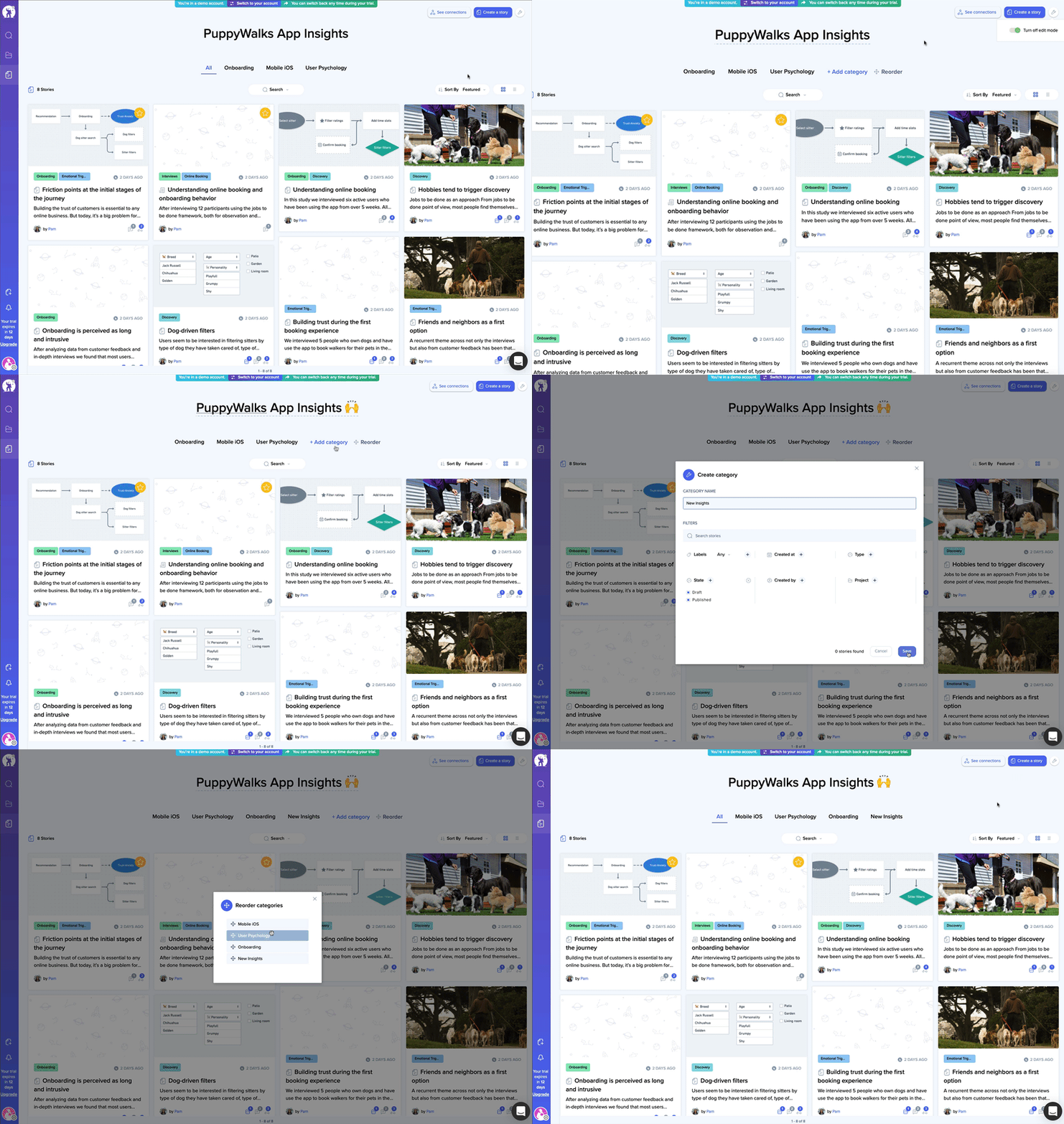
Admins can create or modify Categories by entering into Edit mode via the Options menu in the upper-right corner.
Once Edit mode is active, Categories can be added, edited, or reordered.
Creating Categories
Categories are created by leveraging filters to define the criteria for matching Projects and Stories. While Labels and Status are the most common filters used in defining Categories, other filters include matching text, creator, and date-based filters. Projects and Stories are not limited to just a single Category, as they will associated with all matching Categories.